Error executing template "Designs/Swift/Paragraph/Swift_ProductComponentParagraph.cshtml"
System.ArgumentException: Could not write parsed file: C:\inetpub\solutions\Goecker-2022-Prod\Files\Templates\Designs\Swift\_parsed\Swift_ProductComponentEdit.parsed.cshtml System.IO.IOException: The process cannot access the file 'C:\inetpub\solutions\Goecker-2022-Prod\Files\Templates\Designs\Swift\_parsed\Swift_ProductComponentEdit.parsed.cshtml' because it is being used by another process.
   at System.IO.__Error.WinIOError(Int32 errorCode, String maybeFullPath)
   at System.IO.FileStream.Init(String path, FileMode mode, FileAccess access, Int32 rights, Boolean useRights, FileShare share, Int32 bufferSize, FileOptions options, SECURITY_ATTRIBUTES secAttrs, String msgPath, Boolean bFromProxy, Boolean useLongPath, Boolean checkHost)
   at System.IO.FileStream..ctor(String path, FileMode mode, FileAccess access, FileShare share, Int32 bufferSize, FileOptions options, String msgPath, Boolean bFromProxy, Boolean useLongPath, Boolean checkHost)
   at System.IO.StreamWriter.CreateFile(String path, Boolean append, Boolean checkHost)
   at System.IO.StreamWriter..ctor(String path, Boolean append, Encoding encoding, Int32 bufferSize, Boolean checkHost)
   at System.IO.StreamWriter..ctor(String path, Boolean append, Encoding encoding)
   at Dynamicweb.Core.Helpers.TextFileHelper.WriteTextFile(String value, String path, Boolean appendToFile, Encoding encoding)
   at Dynamicweb.Rendering.Designer.Parser.Parse(Layout l)
   at Dynamicweb.Rendering.Designer.Parser.Parse(Layout l)
   at Dynamicweb.Rendering.Designer.Layout.CheckParsed()
   at Dynamicweb.Rendering.Designer.Layout..ctor(FileInfo f, Design design)
   at Dynamicweb.Rendering.Designer.Layout.GetLayoutByLocation(String path)
   at Dynamicweb.Content.Layouts.LayoutLocator.FindLayout(Page page, String layoutName)
   at Dynamicweb.Frontend.Content.GetLayoutForDevice(Page page, DeviceType device)
   at Dynamicweb.Frontend.Content.CreateGridContent(Int32 contentId, Boolean ignoreVisualEdit)
   at Dynamicweb.Frontend.Content.RenderExternalGrid(Int32 pageId, String container)
   at CompiledRazorTemplates.Dynamic.RazorEngine_81f6c8a5a4954961b351a0e112a27be2.Execute() in C:\inetpub\solutions\Goecker-2022-Prod\Files\Templates\Designs\Swift\Paragraph\Swift_ProductComponentParagraph.cshtml:line 39
   at RazorEngine.Templating.TemplateBase.RazorEngine.Templating.ITemplate.Run(ExecuteContext context, TextWriter reader)
   at RazorEngine.Templating.RazorEngineService.RunCompile(ITemplateKey key, TextWriter writer, Type modelType, Object model, DynamicViewBag viewBag)
   at RazorEngine.Templating.RazorEngineServiceExtensions.<>c__DisplayClass16_0.<RunCompile>b__0(TextWriter writer)
   at RazorEngine.Templating.RazorEngineServiceExtensions.WithWriter(Action`1 withWriter)
   at Dynamicweb.Rendering.RazorTemplateRenderingProvider.Render(Template template)
   at Dynamicweb.Rendering.TemplateRenderingService.Render(Template template)
   at Dynamicweb.Rendering.Template.RenderRazorTemplate()

1 @inherits Dynamicweb.Rendering.ViewModelTemplate<Dynamicweb.Frontend.ParagraphViewModel> 2 3 @{ 4 int itemSourcePageId = Convert.ToInt32(Model.Item.GetRawValueString("ComponentSource", "0")); 5 6 var pageService = new Dynamicweb.Content.PageService(); 7 itemSourcePageId = itemSourcePageId > 0 && pageService.GetPageOrLanguage(itemSourcePageId, Pageview.AreaID) != null ? pageService.GetPageOrLanguage(itemSourcePageId, Pageview.AreaID).ID : itemSourcePageId; 8 } 9 10 @if (itemSourcePageId != 0) { 11 var page = Dynamicweb.Content.Services.Pages.GetPage(itemSourcePageId); 12 13 if (page != null) { 14 var pageViewModel = Dynamicweb.Frontend.ContentViewModelFactory.CreatePageInfoViewModel(page); 15 string itemTheme = !string.IsNullOrWhiteSpace(pageViewModel.Item.GetRawValueString("Theme")) ? " theme " + pageViewModel.Item.GetRawValueString("Theme").Replace(" ", "").Trim().ToLower() : string.Empty; 16 17 string contentPadding = pageViewModel.Item.GetRawValueString("ContentPadding", ""); 18 contentPadding = contentPadding == "none" ? "p-0" : contentPadding; 19 contentPadding = contentPadding == "small" ? "p-2 p-md-3" : contentPadding; 20 contentPadding = contentPadding == "large" ? "p-4 p-md-5" : contentPadding; 21 contentPadding = contentPadding == "small-x" ? "px-2 px-md-3" : contentPadding; 22 contentPadding = contentPadding == "large-x" ? "px-4 px-md-5" : contentPadding; 23 24 string layout = Model.Item.GetRawValueString("Layout", "top"); 25 switch (layout) 26 { 27 case "top": 28 case "alignLeftMiddle": 29 layout = ""; 30 break; 31 case "center": 32 case "alignLeft": 33 layout = "d-flex align-items-center text-start"; 34 break; 35 } 36 37 <div class="@contentPadding @itemTheme @(layout) h-100 item_@Model.Item.SystemName.ToLower()"> 38 <div class="w-100"> 39 @RenderGrid(itemSourcePageId) 40 </div> 41 </div> 42 } else if (Pageview.IsVisualEditorMode) { 43 <div class="alert alert-dark m-0" role="alert"> 44 <span>@Translate("The selected component does not exist anymore")</span> 45 </div> 46 } 47 } else if (Pageview.IsVisualEditorMode) { 48 <div class="alert alert-dark m-0" role="alert"> 49 <span>@Translate("Product component: The component will be shown here, if any")</span> 50 </div> 51 } 52

Beskrivelse

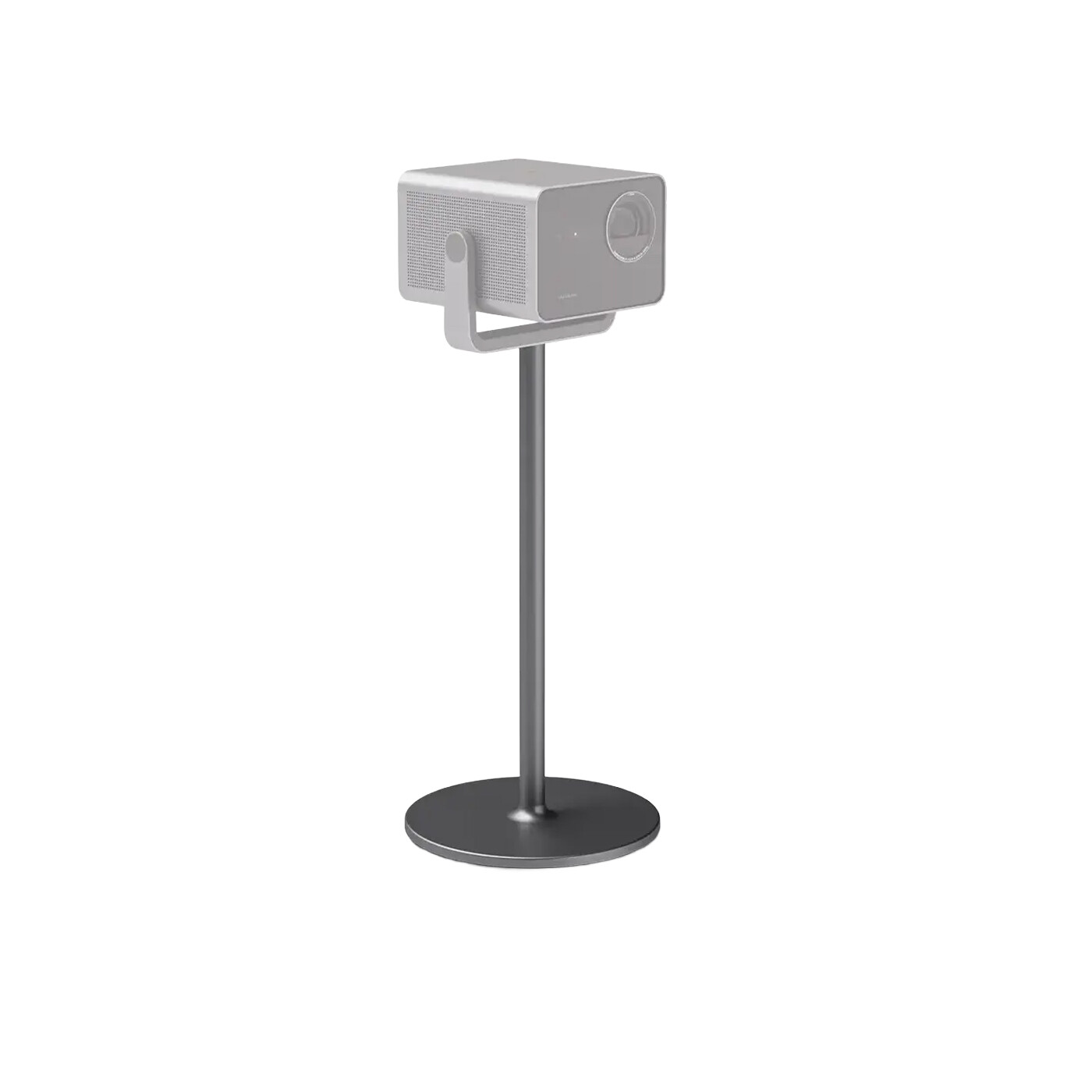
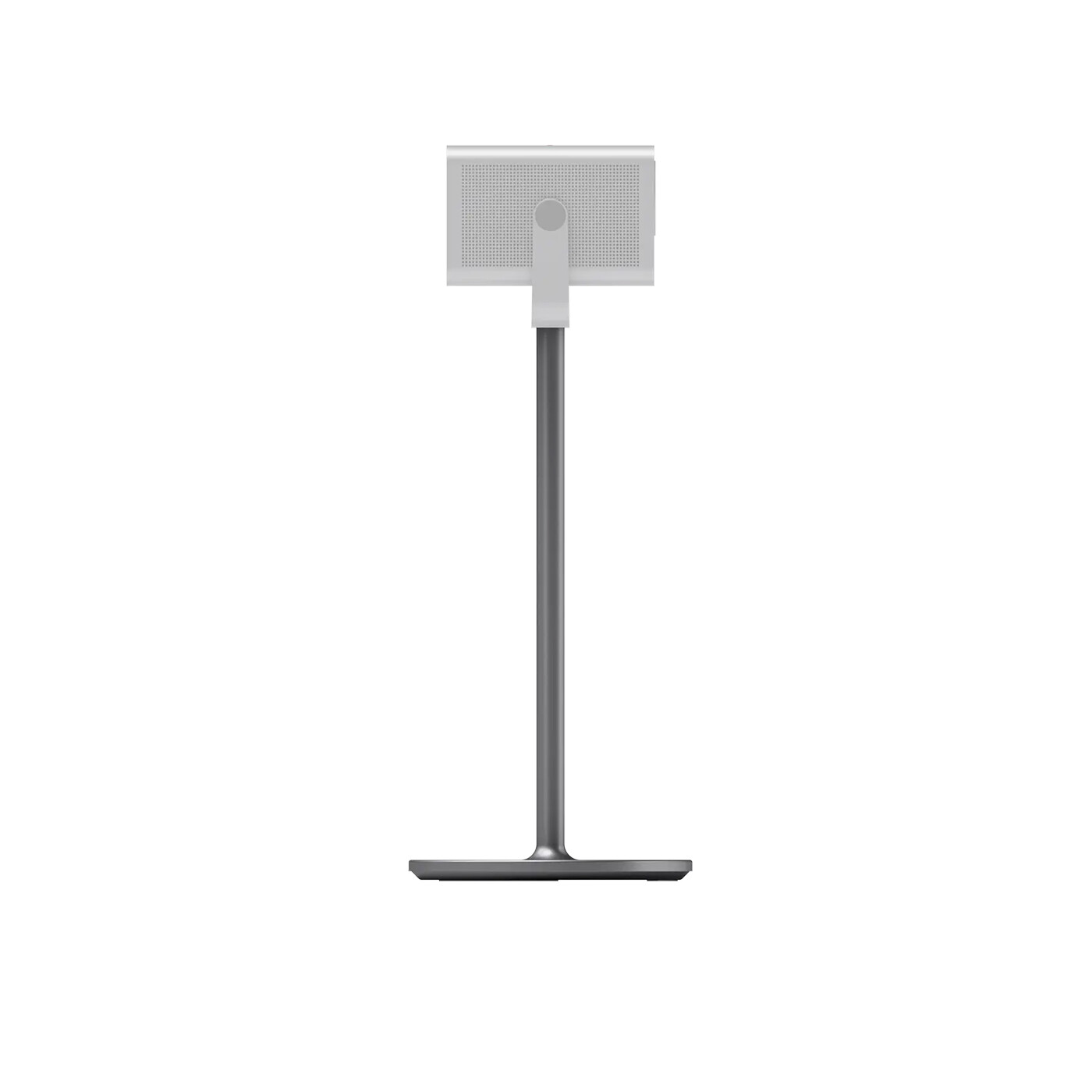
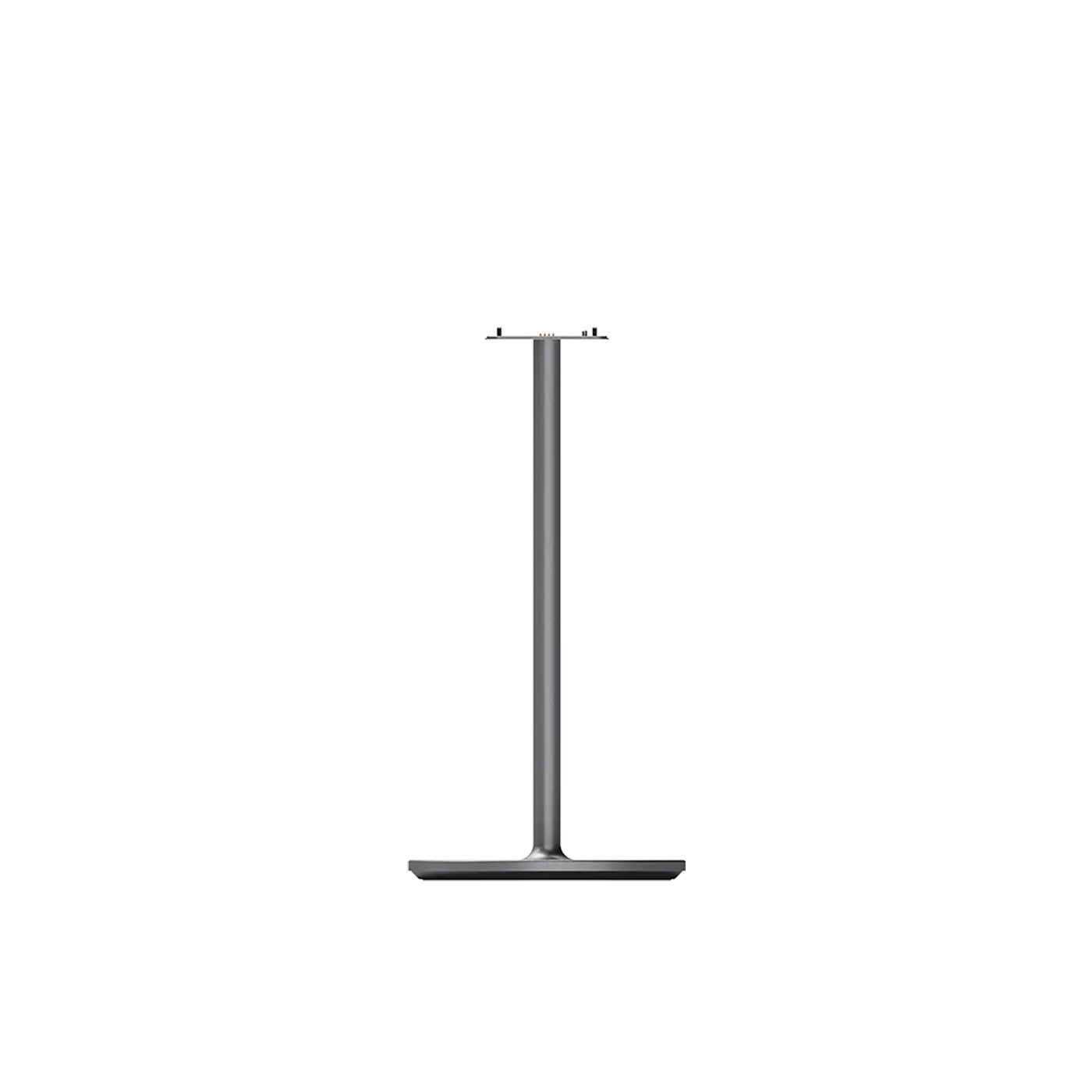
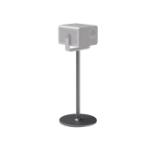
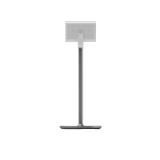
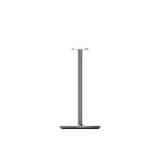
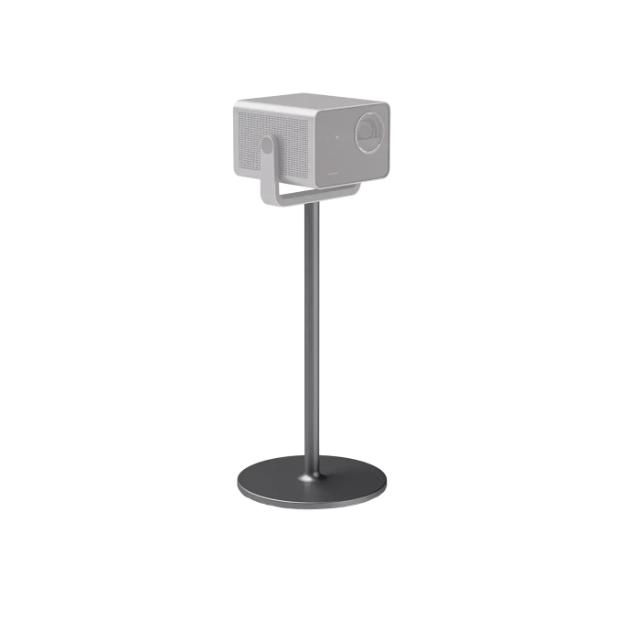
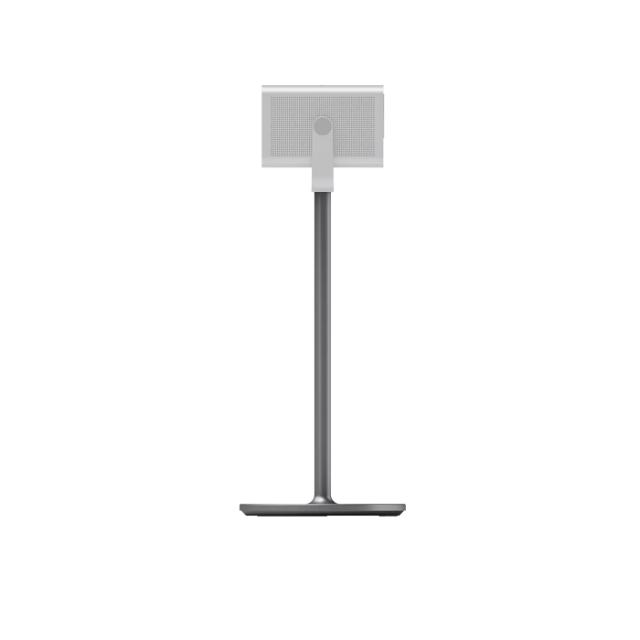
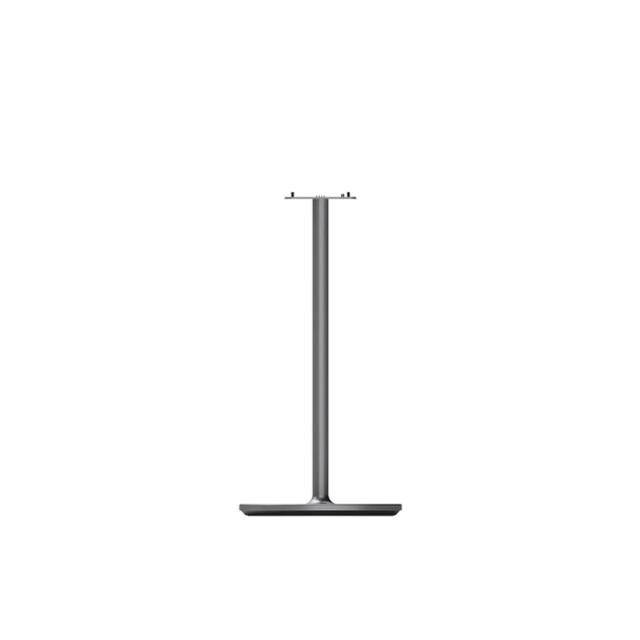
Leica Floor Stand 1

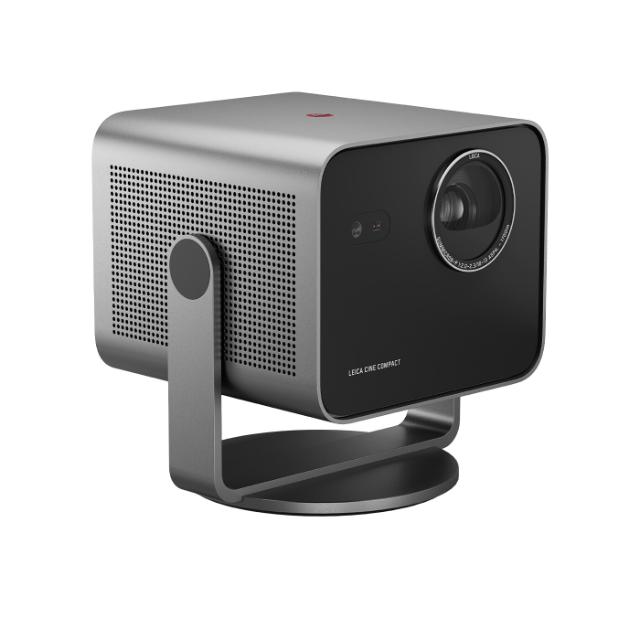
Leica Floor Stand 1 er skabt til at integrere Leica Cine Play 1 elegant i moderne bolig- og erhvervsmiljøer. Med sit minimalistiske design løfter stativet projektoren fra at være et teknisk produkt til at blive en naturlig del af indretningen.

Den slanke konstruktion giver stor frihed i placeringen af projektoren og gør det nemt at opnå den optimale projiceringsvinkel uden behov for væg- eller loftmontering. Samtidig skjules kabler diskret inde i stativet, hvilket sikrer et rent og eksklusivt udtryk.

Stativet er udviklet specifikt til Leica Cine Play 1 og matcher projektorens høje kvalitetsniveau og karakteristiske Leica-design. Resultatet er en elegant og fleksibel installationsløsning, hvor funktionalitet og æstetik går hånd i hånd.

Højdepunkter

  • Specialdesignet til Leica Cine Play 1
  • Elegant og moderne gulvstativ
  • Integreret kabelføring for et rent udtryk
  • Fleksibel placering uden væg- eller loftmontering
  • Eksklusivt design, der passer ind i moderne indretninger
  • Ideel til stue, hjemmebiograf, showroom eller mødelokale

Medfølger

  • Leica Floor Stand 1
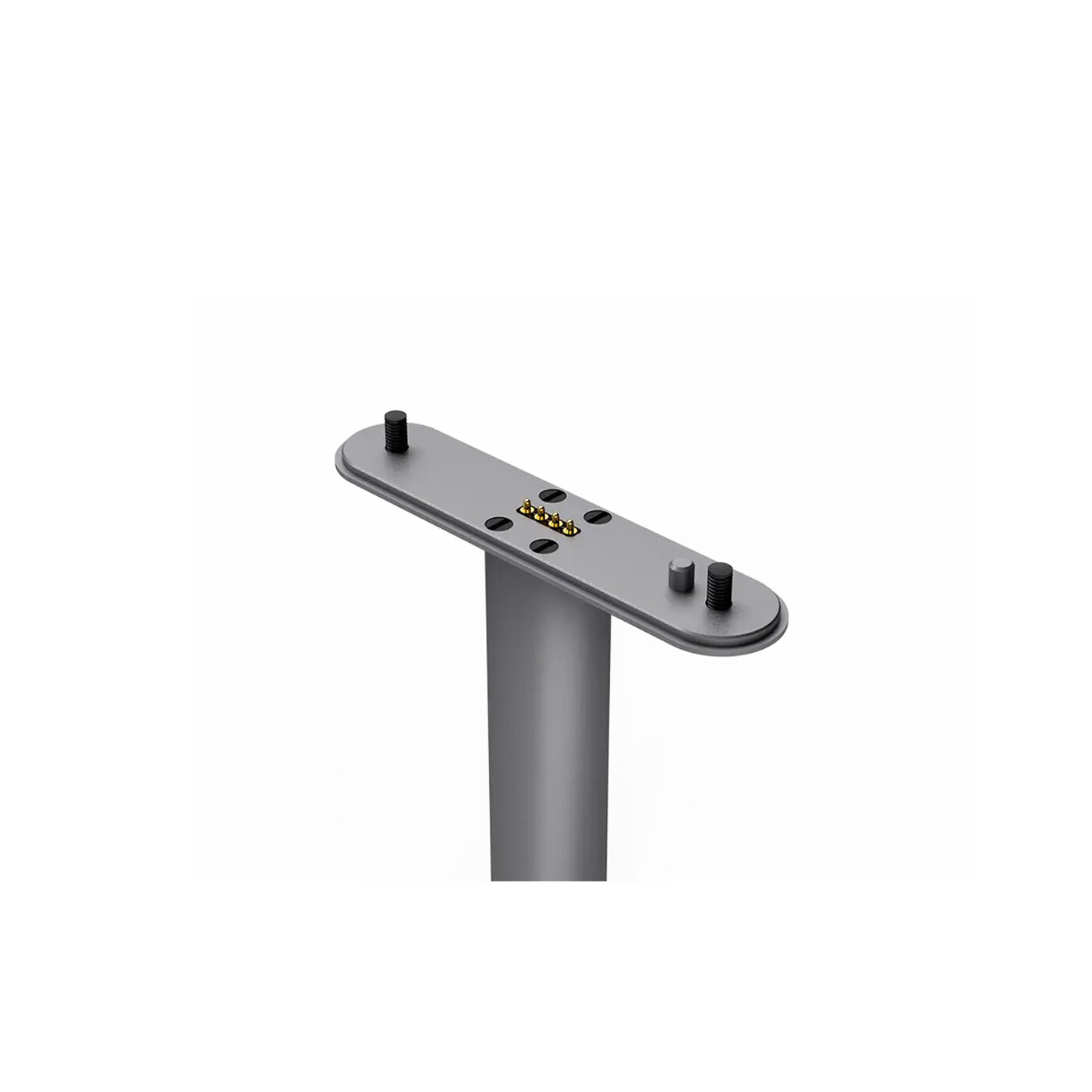
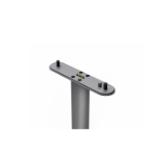
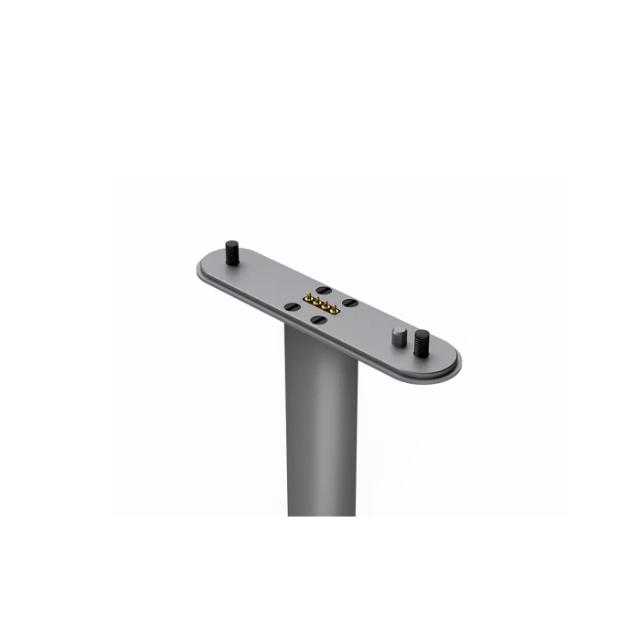
  • Monteringsbeslag til Leica Cine Play 1
  • 2 × M6-skruer
  • 1 × M8-skrue
  • Unbrakonøgle til M8-skrue
  • Unbrakonøgle til M6-skruer

Bemærk: Leica Cine Play 1 projektor medfølger ikke og sælges separat.

Specifikationer

Producent Leica
Kategori Tilbehør