
Error executing template "Designs/Swift/Paragraph/Swift_ProductComponentParagraph.cshtml"
System.ArgumentException: Could not write parsed file: C:\inetpub\solutions\Goecker-2022-Prod\Files\Templates\Designs\Swift\_parsed\Swift_ProductComponentEdit.parsed.cshtml System.IO.IOException: The process cannot access the file 'C:\inetpub\solutions\Goecker-2022-Prod\Files\Templates\Designs\Swift\_parsed\Swift_ProductComponentEdit.parsed.cshtml' because it is being used by another process.
   at System.IO.__Error.WinIOError(Int32 errorCode, String maybeFullPath)
   at System.IO.FileStream.Init(String path, FileMode mode, FileAccess access, Int32 rights, Boolean useRights, FileShare share, Int32 bufferSize, FileOptions options, SECURITY_ATTRIBUTES secAttrs, String msgPath, Boolean bFromProxy, Boolean useLongPath, Boolean checkHost)
   at System.IO.FileStream..ctor(String path, FileMode mode, FileAccess access, FileShare share, Int32 bufferSize, FileOptions options, String msgPath, Boolean bFromProxy, Boolean useLongPath, Boolean checkHost)
   at System.IO.StreamWriter.CreateFile(String path, Boolean append, Boolean checkHost)
   at System.IO.StreamWriter..ctor(String path, Boolean append, Encoding encoding, Int32 bufferSize, Boolean checkHost)
   at System.IO.StreamWriter..ctor(String path, Boolean append, Encoding encoding)
   at Dynamicweb.Core.Helpers.TextFileHelper.WriteTextFile(String value, String path, Boolean appendToFile, Encoding encoding)
   at Dynamicweb.Rendering.Designer.Parser.Parse(Layout l)
   at Dynamicweb.Rendering.Designer.Parser.Parse(Layout l)
   at Dynamicweb.Rendering.Designer.Layout.CheckParsed()
   at Dynamicweb.Rendering.Designer.Layout..ctor(FileInfo f, Design design)
   at Dynamicweb.Rendering.Designer.Layout.GetLayoutByLocation(String path)
   at Dynamicweb.Content.Layouts.LayoutLocator.FindLayout(Page page, String layoutName)
   at Dynamicweb.Frontend.Content.GetLayoutForDevice(Page page, DeviceType device)
   at Dynamicweb.Frontend.Content.CreateGridContent(Int32 contentId, Boolean ignoreVisualEdit)
   at Dynamicweb.Frontend.Content.RenderExternalGrid(Int32 pageId, String container)
   at CompiledRazorTemplates.Dynamic.RazorEngine_b8d16991a81f4c6b916728fe04b73c62.Execute() in C:\inetpub\solutions\Goecker-2022-Prod\Files\Templates\Designs\Swift\Paragraph\Swift_ProductComponentParagraph.cshtml:line 39
   at RazorEngine.Templating.TemplateBase.RazorEngine.Templating.ITemplate.Run(ExecuteContext context, TextWriter reader)
   at RazorEngine.Templating.RazorEngineService.RunCompile(ITemplateKey key, TextWriter writer, Type modelType, Object model, DynamicViewBag viewBag)
   at RazorEngine.Templating.RazorEngineServiceExtensions.<>c__DisplayClass16_0.<RunCompile>b__0(TextWriter writer)
   at RazorEngine.Templating.RazorEngineServiceExtensions.WithWriter(Action`1 withWriter)
   at Dynamicweb.Rendering.RazorTemplateRenderingProvider.Render(Template template)
   at Dynamicweb.Rendering.TemplateRenderingService.Render(Template template)
   at Dynamicweb.Rendering.Template.RenderRazorTemplate()

1 @inherits Dynamicweb.Rendering.ViewModelTemplate<Dynamicweb.Frontend.ParagraphViewModel> 2 3 @{ 4 int itemSourcePageId = Convert.ToInt32(Model.Item.GetRawValueString("ComponentSource", "0")); 5 6 var pageService = new Dynamicweb.Content.PageService(); 7 itemSourcePageId = itemSourcePageId > 0 && pageService.GetPageOrLanguage(itemSourcePageId, Pageview.AreaID) != null ? pageService.GetPageOrLanguage(itemSourcePageId, Pageview.AreaID).ID : itemSourcePageId; 8 } 9 10 @if (itemSourcePageId != 0) { 11 var page = Dynamicweb.Content.Services.Pages.GetPage(itemSourcePageId); 12 13 if (page != null) { 14 var pageViewModel = Dynamicweb.Frontend.ContentViewModelFactory.CreatePageInfoViewModel(page); 15 string itemTheme = !string.IsNullOrWhiteSpace(pageViewModel.Item.GetRawValueString("Theme")) ? " theme " + pageViewModel.Item.GetRawValueString("Theme").Replace(" ", "").Trim().ToLower() : string.Empty; 16 17 string contentPadding = pageViewModel.Item.GetRawValueString("ContentPadding", ""); 18 contentPadding = contentPadding == "none" ? "p-0" : contentPadding; 19 contentPadding = contentPadding == "small" ? "p-2 p-md-3" : contentPadding; 20 contentPadding = contentPadding == "large" ? "p-4 p-md-5" : contentPadding; 21 contentPadding = contentPadding == "small-x" ? "px-2 px-md-3" : contentPadding; 22 contentPadding = contentPadding == "large-x" ? "px-4 px-md-5" : contentPadding; 23 24 string layout = Model.Item.GetRawValueString("Layout", "top"); 25 switch (layout) 26 { 27 case "top": 28 case "alignLeftMiddle": 29 layout = ""; 30 break; 31 case "center": 32 case "alignLeft": 33 layout = "d-flex align-items-center text-start"; 34 break; 35 } 36 37 <div class="@contentPadding @itemTheme @(layout) h-100 item_@Model.Item.SystemName.ToLower()"> 38 <div class="w-100"> 39 @RenderGrid(itemSourcePageId) 40 </div> 41 </div> 42 } else if (Pageview.IsVisualEditorMode) { 43 <div class="alert alert-dark m-0" role="alert"> 44 <span>@Translate("The selected component does not exist anymore")</span> 45 </div> 46 } 47 } else if (Pageview.IsVisualEditorMode) { 48 <div class="alert alert-dark m-0" role="alert"> 49 <span>@Translate("Product component: The component will be shown here, if any")</span> 50 </div> 51 } 52

Beskrivelse

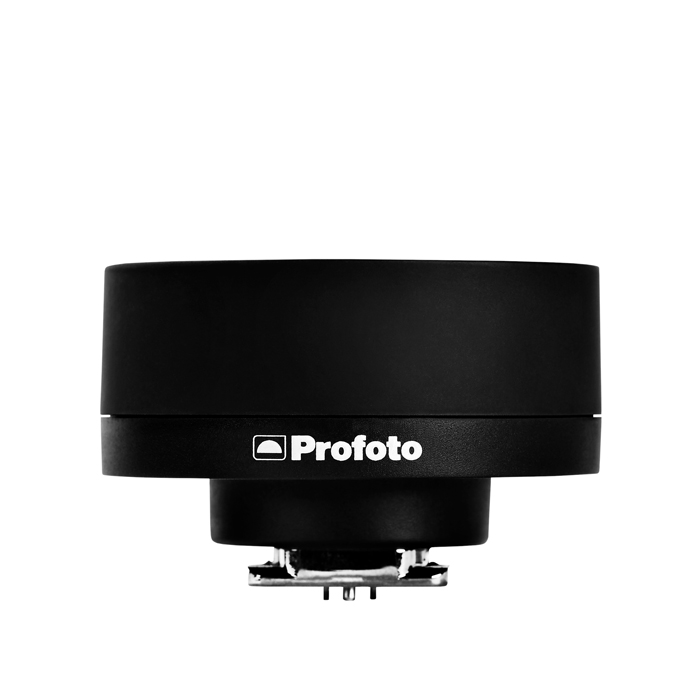
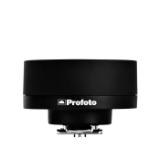
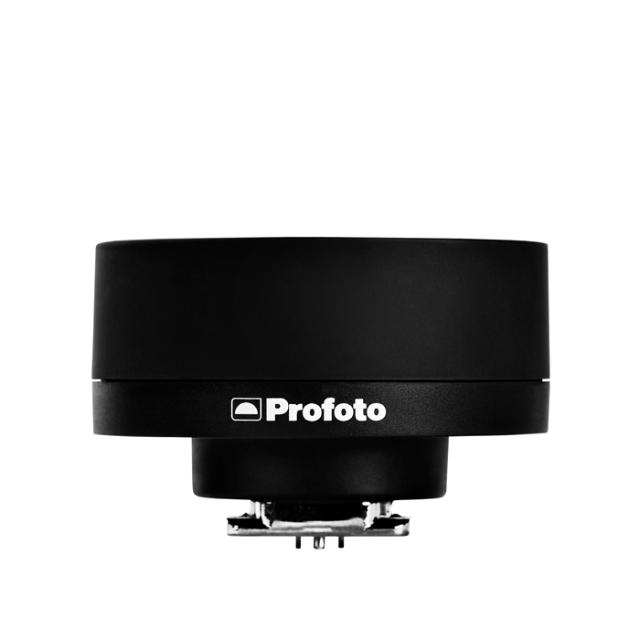
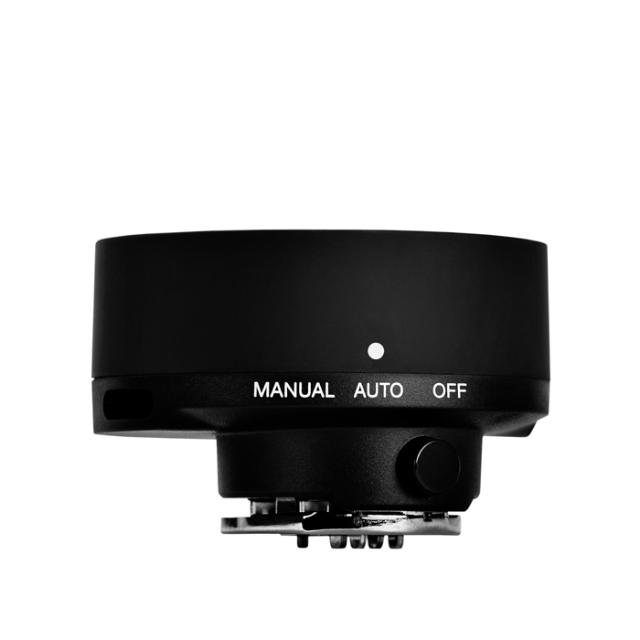
Connect er en knapfri trigger der nemt forbinder dit kamera og dine Profoto-lamper

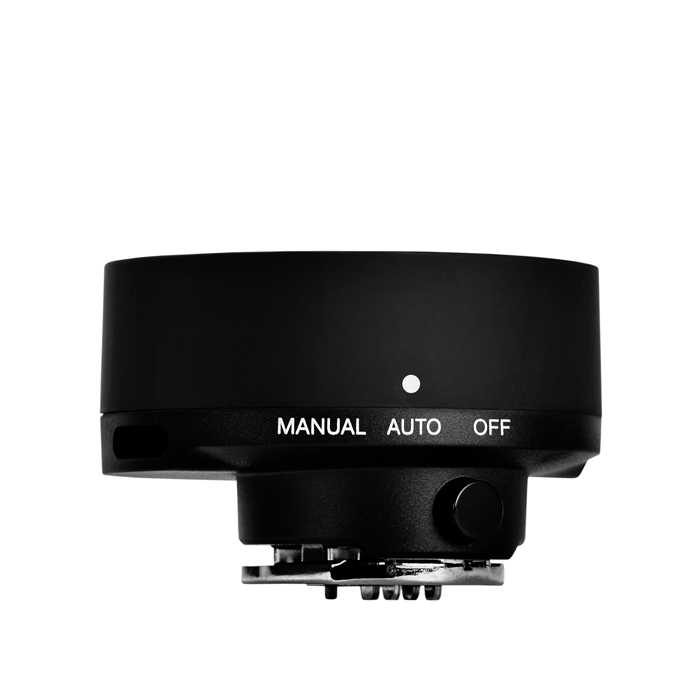
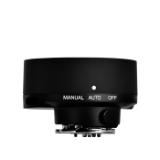
Med Profoto Connect har det aldrig været nemmere at skabe naturligt og smukt lys, når som helst og hvor som helst. Connect har ingen knapper og kun tre indstillinger: Auto, Manuel og Slukket. Bruger du Profoto på auto, skal peger du bare og skyder for at få en god eksponering, fordi flash-effekten beregnes automatisk. Ved at bruge triggeren på manuel kan du finjustere lyset for endnu mere kontrol, enten manuelt eller via Profoto-app’en.

Profoto Connect er en lille, letvægts trigger der er kompatibel med alle Profoto AirTTL-lamper. Connect er utrolig nem at arbejde så du kan fokusere på det vigtige - at skabe flotte billeder.


Profoto Connect Funktioner

  • Knapfri trigger til alle Profoto AirTTL-lamper.
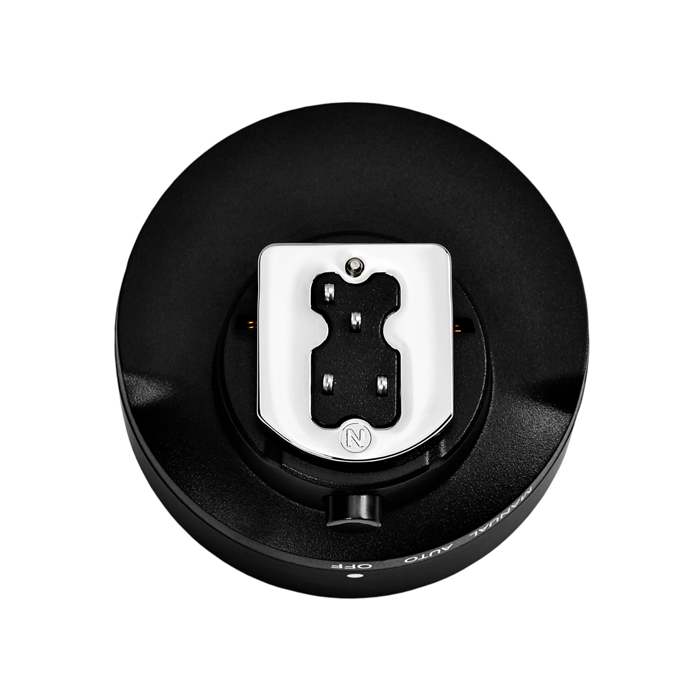
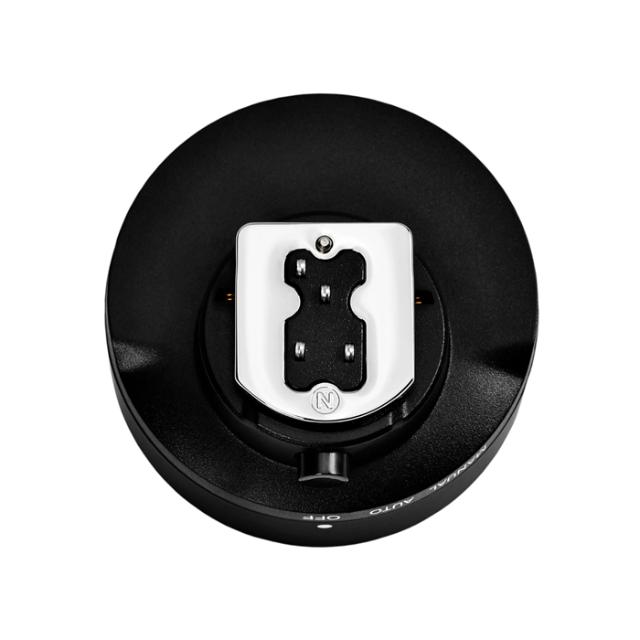
  • Tilslut til kameraets hotshoe for trådløst at forbinde kamera og flash.
  • Tre indstillinger: Auto, Manuel og Fra.
  • Lille, let og minimalistisk design.
  • Smart tilslutning med Profoto-app’en (kompatibel med iPhone 7 eller nyere).
  • Indbygget genopladeligt LiPo batteri – 30 timers batteritid.

Specifikationer

Producent Profoto
Kategori Flash trigger